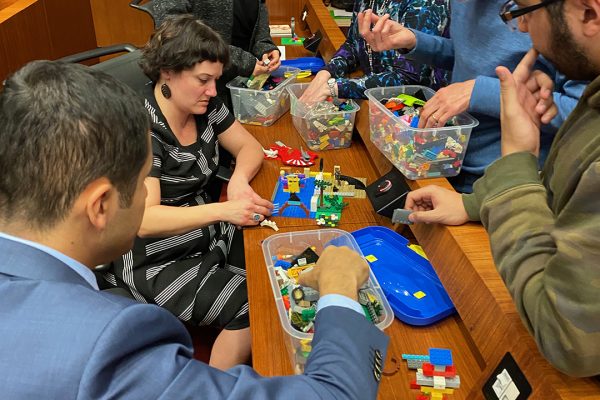
On February 1, 2020, I boarded a plane with bags full of LEGO as well as Rutgers University Libraries coloring books, zines, and library swag. My final destination was Doha, Qatar to visit one of Carnegie Mellon’s satellite campuses. I was invited to Doha as the Carnegie Mellon-Qatar (CM-Q) Glorianna St Clair Distinguished Lecture in 21st Century Librarianship and gave a presentation titled “The Engaged Librarian: Fostering a Culture of Creativity and Play in Libraries.” This presentation was based off my previous work on makerspaces, active learning, and play in libraries, as well as new research from my latest book project on creativity for the American Libraries Association, forthcoming in 2021.
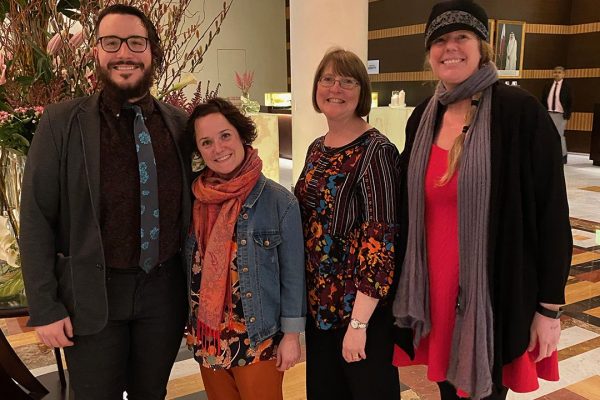
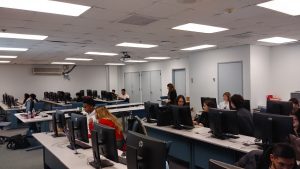
While in Doha, I had the opportunity to collaborate on a zine and LEGO workshop for the CM-Q campus with Jill Chisnell, Dom Jebbia (both from Carnegie Mellon-Pittsburgh), and director of the CM-Q Library Teresa MacGregor. These events were attended by students, faculty, and staff members of the CM-Q campus as well as a few members from the Georgetown University-Qatar community.
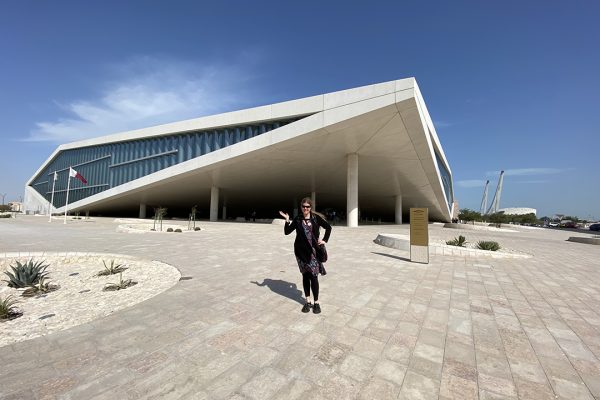
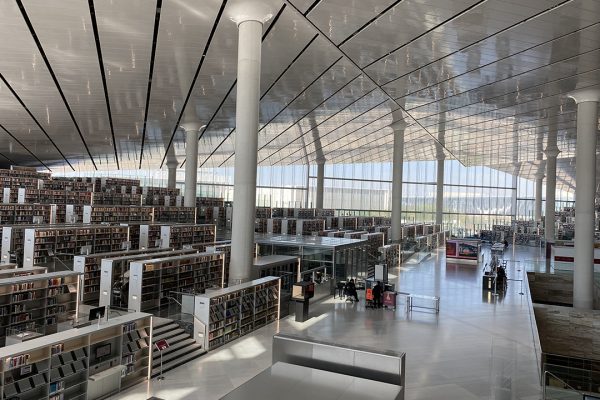
Another exciting part of my trip was the opportunity to present my research on LEGO and active learning at the Qatar National Library (QNL). This library, recently built by architect Rem Koolhaus, is jaw dropping. Having a soft spot for Koolhaus since reading his well-known text Delirious New York, I immediately fell in love with this elegant sculpture which houses unusual furniture, futuristic technology, and an elevator known as the “people mover,” which is similar to a ride one might find at Disney World in the 1980s. Beyond the stunning architecture was a variety of unique spaces and resources that cater to the needs of the local Qatar communities, including a large children’s space, a music room, makerspaces, a beautiful café, an impressive auditorium, and more.
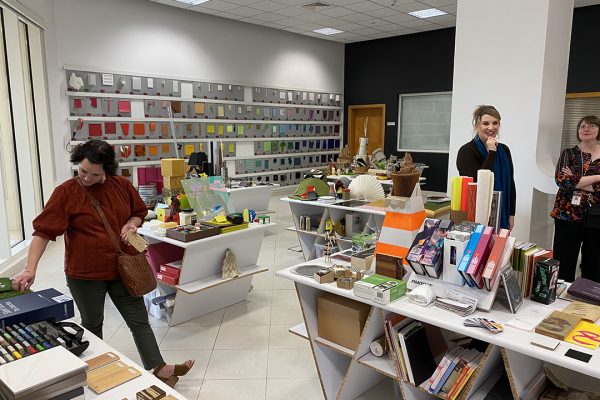
Although there were many interesting cultural experiences while visiting Qatar, including buying goods at the Souq, the Materials Library at Virginia Commonwealth University-Qatar, and trying beef bacon, I was awestruck by the architecture including the QNL (Rem Koolhaus) and the Museum of Islamic Art, designed by world-renowned architect IM Pei. But perhaps most interesting was the architecture of “the Pearl,” an artificial island built on one of Qatar’s former major pearl diving sites. It’s not surprising that this stunning, futuristic, almost unreal structure houses some of the most modern neighborhoods in town. Fortunately, I was able to experience this space in person at a monthly community-building party hosted by Mike Trick, dean of CM-Q.
If you have questions about this trip or my research, please contact me at megan.lotts@rutgers.edu or learn more about me at meganlotts.com.

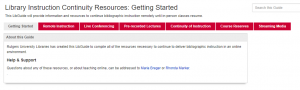
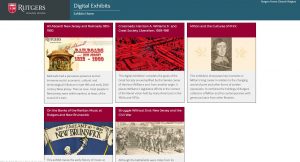
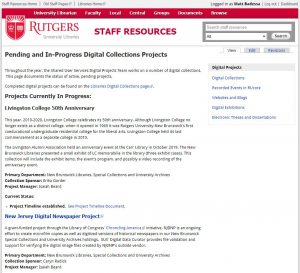 Over the past couple of years, the digital projects team in Shared User Services has been actively assisting campus libraries in organizing their work on digital collections, and making them available online. Thirty-one such projects are now publicly accessible through our

 Islamic Art Wiki-a-Thon Returns to Dana Library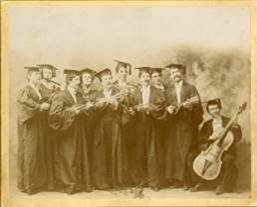
 Beginning on January 13, Rutgers Connect users will be able to share OneDrive files with collaborators outside of the university. Up to this point, external sharing was possible only between authenticated Rutgers Connect users.
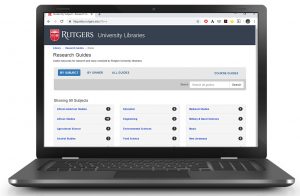 Did you know that our LibGuides have been viewed over 240,000 times just in the fall 2019 semester? Keeping our LibGuides free of errors and up to date is an important part of our services at Rutgers University Libraries. With the help of some awesome student workers, we’ve made great progress in recent months to reduce the number of broken links from more than 4,600 to fewer than 1,800. As we move into the spring semester, now is a good time for LibGuide authors to make sure that your content is current and accurate! Taking the time to do some “spring cleaning” will make ongoing maintenance easier.
 The Ex Libris Leganto Reading List Management tool is now available for use in Blackboard, Canvas, and Sakai. The reading list tool can help instructors create impactful resource lists using library content and integrate a variety of materials into one, easy-to-use list. The tool is accessible from inside the learning management system, so students can access the reading list, along with other course resources. Instructors and librarians can collaboratively create and process reading lists for students from all types of resources.