Library Tutorial Insights assessment and reporting provides a view of assessment and usage data for the tutorials that are used in a course. The detailed interface allows the course instructor to analyze learner performance on specific assessment questions, gauge students’ information literacy skills, and respond to problem areas more quickly and efficiently.
NimblyWise and Credo Reference Insights Analytics tool is now integrated in the Canvas master courses:
Communication
Critical Thinking
Information Literacy
Health Sciences
Core Information Literacy and Critical Thinking
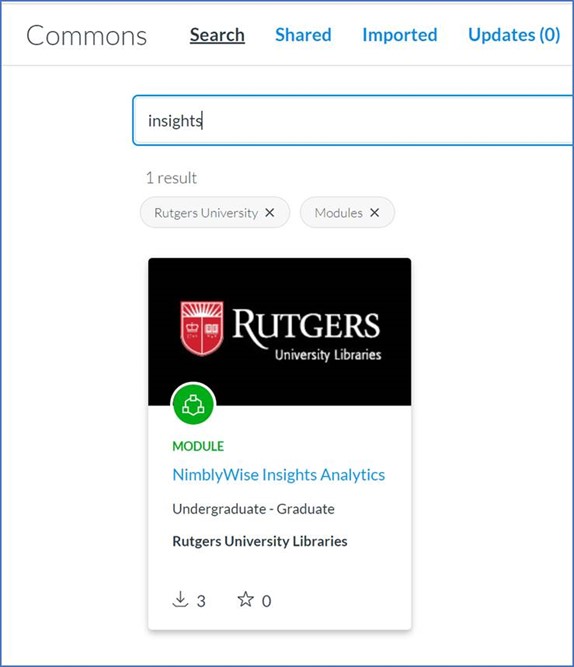
Instructors who download any of these resources from Canvas Commons will have the option to use the Insights tool from within their Canvas course:
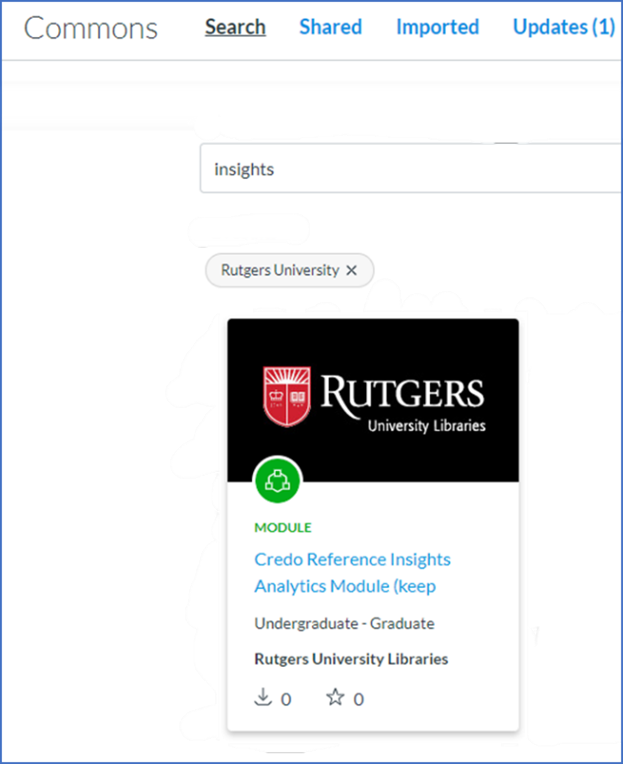
Instructors who already have the library lessons in their course can download just the Insights tool from Canvas Commons:
The Reading Lists: Documentation and Resources LibGuide has been updated to include another page that describes additional functionality. New content includes a quick start guide as well as printable handouts. Liaisons can share this information with course instructors whether their courses are in Canvas, Blackboard, or Sakai.
The NimblyWise and Credo Reference Library instruction tutorials have undergone some changes and enhancements for the fall.
For Credo Reference:
The addition of APA Citations 7th edition tutorial.
The addition of AMA Citations – A tutorial, which includes a video and checkpoint assessments for practice, on American Medical Association (AMA) style has been added to the Understanding and Using Research Sources section.
The addition of Gray Literature – The Health Science Resources section has a new tutorial, which includes a video and checkpoint assessments for practice, on gray literature (information from non-commercially published sources that can have use in research, such as conference proceedings and dissertations).
The Revisions of PubMed Material – the PubMed tutorial, including the screencasts, has been refreshed where relevant to reflect PubMed’s redesign.
Quiz questions on the new topics of AMA and gray literature have been added to appropriate assessment libraries.
For NimblyWise:
The addition of APA Citations 7th edition tutorial.
The addition of OPTIONAL Assessments to supplement existing material.
Citation Styles – New tutorial on APA Citations 7th
New quiz on Chicago Manual of Style 17th
Getting Started with Research
New video on “Framing a Problem” and a new quiz on “Research Strategies”.
Presenting Research and Data -The previous video, tutorial, and quiz on Synthesizing Information have been replaced by a video on “Synthesis” and a tutorial and quiz on “Synthesizing Information for Academic Writing”.
Using Critical Thinking and Logic – New video on “Why Thinking Matters” and new tutorials on “Logical Reasoning” and “Analyzing Information”.
Evaluating Information – The video “How to Identify and Debunk Fake News” and the quiz on “Fake News” have been retired by the vendor.
The Library Instruction Continuity Resources Guide.
In light of our “new normal” circumstances, we have created a LibGuide that lists many helpful resources and documentation to support remote instruction. The Library Instruction Continuity Resources LibGuide includes information on how to conduct live conferencing and record lectures that students may access on demand. Additionally, it contains links to many helpful University-wide provisions such as direct links to Rutgers Emergency Preparedness for Synchronous/Asynchronous Instruction, and the Teaching and Learning with Technology department. The guide also contains links to online resources by campus.
Visit the LibGuide to view all of these valuable resources, and to see how to create and share instructional content in a remote instruction environment.
For questions about the Library Instruction Continuity Resources LibGuide, contact Maria Breger at maria.breger@rutgers.edu
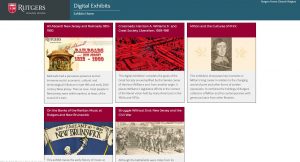
Continuing the work of presenting our digital projects in a consistent arrangement, the Digital Exhibits page is available with its first five digital exhibitions. The page summarizes the completed projects and links to each online exhibition and its exhibit catalog. While the panels and web pages reflect the distinctiveness of the subjects, they share unified theming. They have consistent links back to the main Digital Exhibits page as well as the Libraries home page. Be sure to check back from time to time, as more are on the way in the months to come.
Over the past couple of years, the digital projects team in Shared User Services has been actively assisting campus libraries in organizing their work on digital collections, and making them available online. Thirty-one such projects are now publicly accessible through our digital collections page and span a variety of topics, from Inclusion and Diversity, to showcasing the research articles and presentations of our undergraduates. This list continues to grow, as new collections are proposed and some of our ongoing projects continue to be renewed and expanded upon.
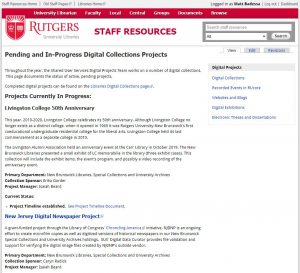
But everyone wants to know what’s in the pipeline. In order to keep the RUL community up to date on the projects we’re working on, we’ve created a page for Pending and In-Progress Digital Projects that lists most of the digital collections and exhibits that are upcoming, along with their status and proposed work timelines. We hope you’ll visit our status page and keep abreast of our ever-growing digital collections work!
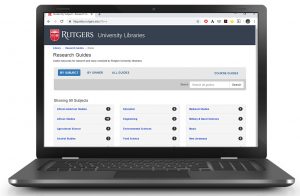
Did you know that our LibGuides have been viewed over 240,000 times just in the fall 2019 semester? Keeping our LibGuides free of errors and up to date is an important part of our services at Rutgers University Libraries. With the help of some awesome student workers, we’ve made great progress in recent months to reduce the number of broken links from more than 4,600 to fewer than 1,800. As we move into the spring semester, now is a good time for LibGuide authors to make sure that your content is current and accurate! Taking the time to do some “spring cleaning” will make ongoing maintenance easier.
Here are some suggestions to prepare your LibGuides for the start of the semester:
The Ex Libris Leganto Reading List Management tool is now available for use in Blackboard, Canvas, and Sakai. The reading list tool can help instructors create impactful resource lists using library content and integrate a variety of materials into one, easy-to-use list. The tool is accessible from inside the learning management system, so students can access the reading list, along with other course resources. Instructors and librarians can collaboratively create and process reading lists for students from all types of resources.
Because the reading lists tool is integrated in Blackboard, Canvas, and Sakai, access to materials is easy and streamlined for students.
Here are some of the key features:
Instructors can create reading lists from books, articles, streaming media, and other resources held by the Libraries or add their own content. Reading lists integrate with the saved favorites feature on QuickSearch and lists can be used for multiple sections of a course or copied into new courses.
Reading lists can be divided into sections, by chronology, or by citation type.
Instructors and students can view information about each citation such as availability and status.
Instructors can collaborate with peers to enrich reading lists and keep them up to date.
Instructors can access usage data about their reading lists.
The tool is now available in the external tools sections of the learning management systems. For more information, or if you have any questions, contact me at maria.breger@rutgers.edu.
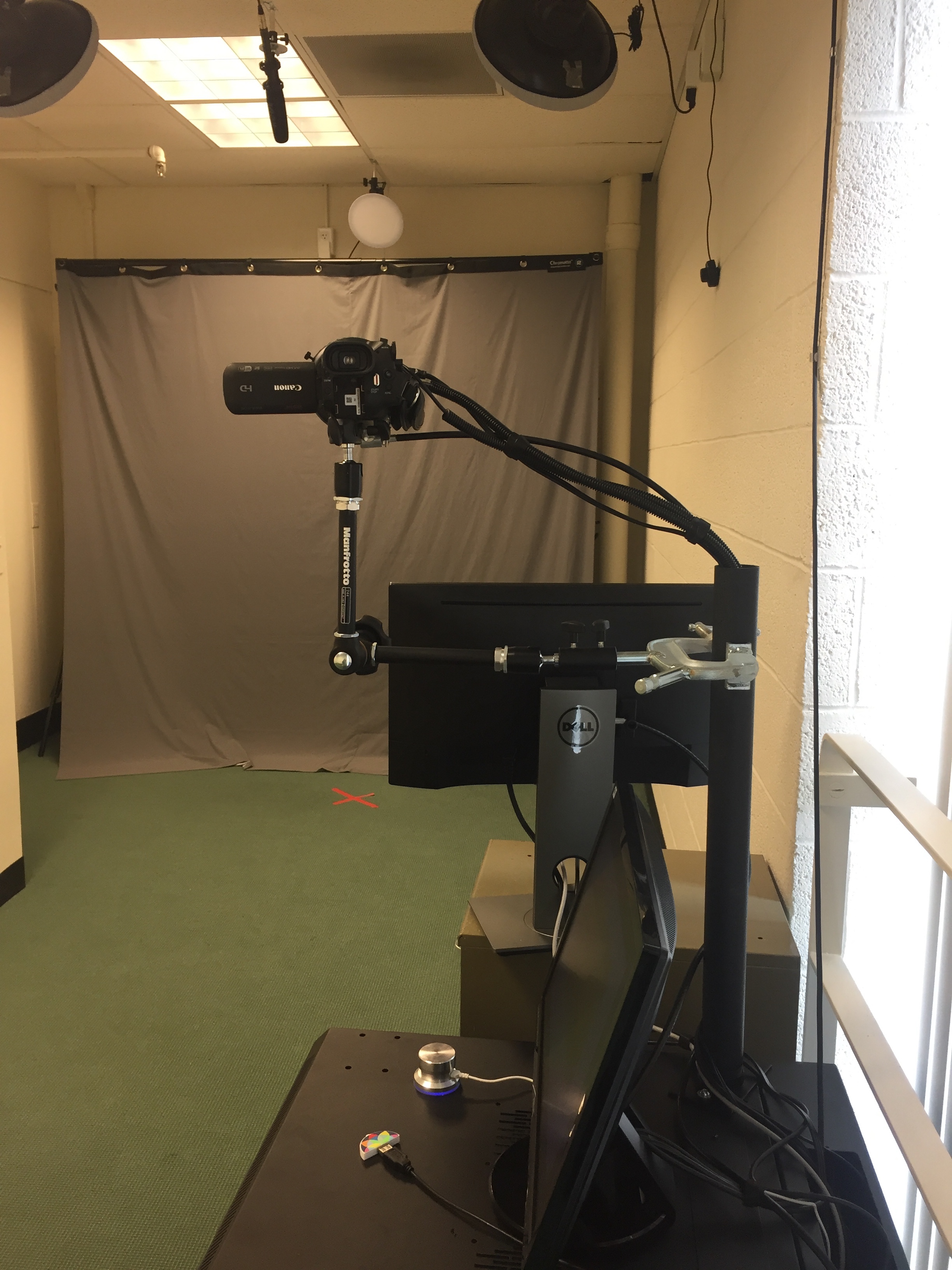
Students, faculty, and staff now can reserve the One Button Studio in Alexander Library to create high-quality digital video recordings in a studio setting. The studio does not require users to have prior video production knowledge. Lighting, audio, and video configurations have been pre-set for ease of use. With support and funding from Ben Sifuentes-Jáuregui, vice chancellor for Undergraduate Academic Affairs at Rutgers University–New Brunswick, this space will enable students to present their research as a high-quality video, an alternative to the more static conventions of the poster or long-form essay. The room is set up for one to three people to create a video with only a FAT formatted flash drive. It really is as simple as 1-2-3-4: insert your USB drive into the dock, press the large silver button to begin recording, press the button to stop recording, and remove your USB drive to deactivate the studio camera and lights. Shared User Services provided support to list the One Button Studio on the Group Study Rooms web page and link to a user guide/reservation page. Reserve the room online and visit the Circulation Desk in Alexander Library to check out the key with your Rutgers ID card.
Robert Moevs (1920–2007) served on the faculty of Rutgers University from 1964 to 1991, and as chair of the Music Department from 1974 to 1981.
The Robert Moevs Audio Archive now features publicly available streaming clips of all of its 193 pieces and is one of the libraries’ featured Digital Collections. The audio was digitized from reel-to-reel and cassette tapes to preserve the material while making it more easily accessible. The metadata is visible to anyone, and the complete audio can be accessed from computers in Douglass Library.
An accomplished composer and beloved teacher, Robert Moevs (1920–2007) served on the faculty of Rutgers University from 1964 to 1991, and as chair of the Music Department from 1974 to 1981. Accolades include fellowships, residencies, and awards from the American Academy in Rome, Guggenheim, the National Institute of Arts and Sciences, ASCAP, and the Stockhausen International Prize in Composition. The creator of a rich body of orchestral, chamber, vocal, and instrumental music, Moevs’s work received major performances by George Szell and the Cleveland Orchestra, Erich Leinsdorf and the Boston Symphony, and Leonard Bernstein and Symphony of the Air. He was also a revered professor whose students include Richard Wilson at Vassar College and Judith Shatin at the University of Virginia.
The Robert Moevs Audio Archive ensures the preservation of the composer’s music and the style he represents for generations to come. Modernist composers sought to challenge and expand the horizons of the listener; as teachers, they significantly impacted the scholarly study of music. Digitization and metadata creation was possible thanks to the Moevs endowment, which generously supports conferences and concerts on 20th-century modernist music.
I’d like to thank everyone who worked on this project, especially Kalaivani Ananthan, Marty Barnett, Isaiah Beard, Thomas Izbicki, Lila Kwederis, Rachael Lansang, Rhonda Marker, Sam McDonald, Janice Pilch, Geoffrey Wood, and Esther Zenzele.


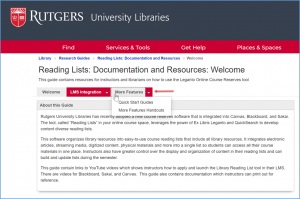 The Reading Lists: Documentation and Resources LibGuide has been updated to include another page that describes additional functionality. New content includes a quick start guide as well as printable handouts. Liaisons can share this information with course instructors whether their courses are in Canvas, Blackboard, or Sakai.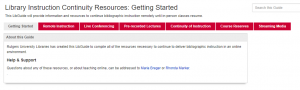
 Over the past couple of years, the digital projects team in Shared User Services has been actively assisting campus libraries in organizing their work on digital collections, and making them available online. Thirty-one such projects are now publicly accessible through our
  Did you know that our LibGuides have been viewed over 240,000 times just in the fall 2019 semester? Keeping our LibGuides free of errors and up to date is an important part of our services at Rutgers University Libraries. With the help of some awesome student workers, we’ve made great progress in recent months to reduce the number of broken links from more than 4,600 to fewer than 1,800. As we move into the spring semester, now is a good time for LibGuide authors to make sure that your content is current and accurate! Taking the time to do some “spring cleaning” will make ongoing maintenance easier.
 The Ex Libris Leganto Reading List Management tool is now available for use in Blackboard, Canvas, and Sakai. The reading list tool can help instructors create impactful resource lists using library content and integrate a variety of materials into one, easy-to-use list. The tool is accessible from inside the learning management system, so students can access the reading list, along with other course resources. Instructors and librarians can collaboratively create and process reading lists for students from all types of resources.