Author: Martha Barnett

  • The ETD Submission Process Has Been Revamped

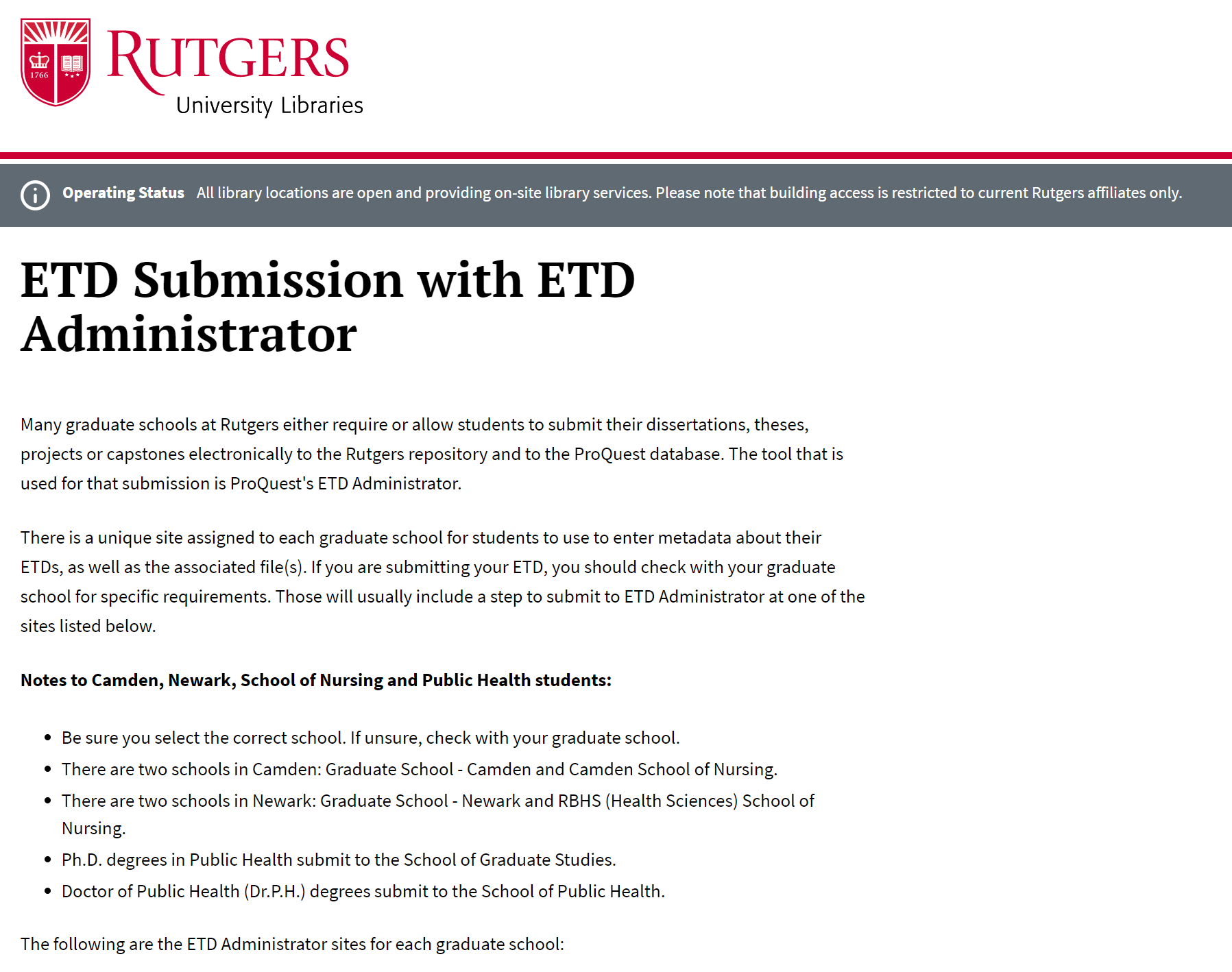
    Many graduate schools at Rutgers require that their students submit an online copy of their dissertation or thesis for archival in the Rutgers repository. For 14 years, the RUetd Submission System, developed in house, was used for uploading and reviewing the submissions.  This summer, it has been replaced with ProQuest’s ETD Administrator, a tool that is widely used by other academic institutions.

    The ETD Administrator guides students and graduate school staff through the submission process. It involves cooperation between students, graduate school staff, and RUL. Students submit metadata about their degree and dissertation/thesis, as well as the actual PDF. They can also request bound copies and request that ProQuest register copyright for them. Graduate school staff review the submissions for completeness and to make sure requirements are met. Once the submission is approved, the ETD is delivered to ProQuest for publication and to Rutgers for archival in the RUcore repository.

    RUL supports use of this tool for all ten graduate schools that require online submission. Students from the two schools that have August graduations have submitted their ETDs using this tool. The next ETDs will be submitted for October, followed by January and May. You can see the page being created for ETD submission help at https://www.libraries.rutgers.edu/submit-your-etd.

    If you have questions or want to know more about ETDs, please contact Marty Barnett (martyb@libraries.rutgers.edu).
  • LibCal Has Many Uses

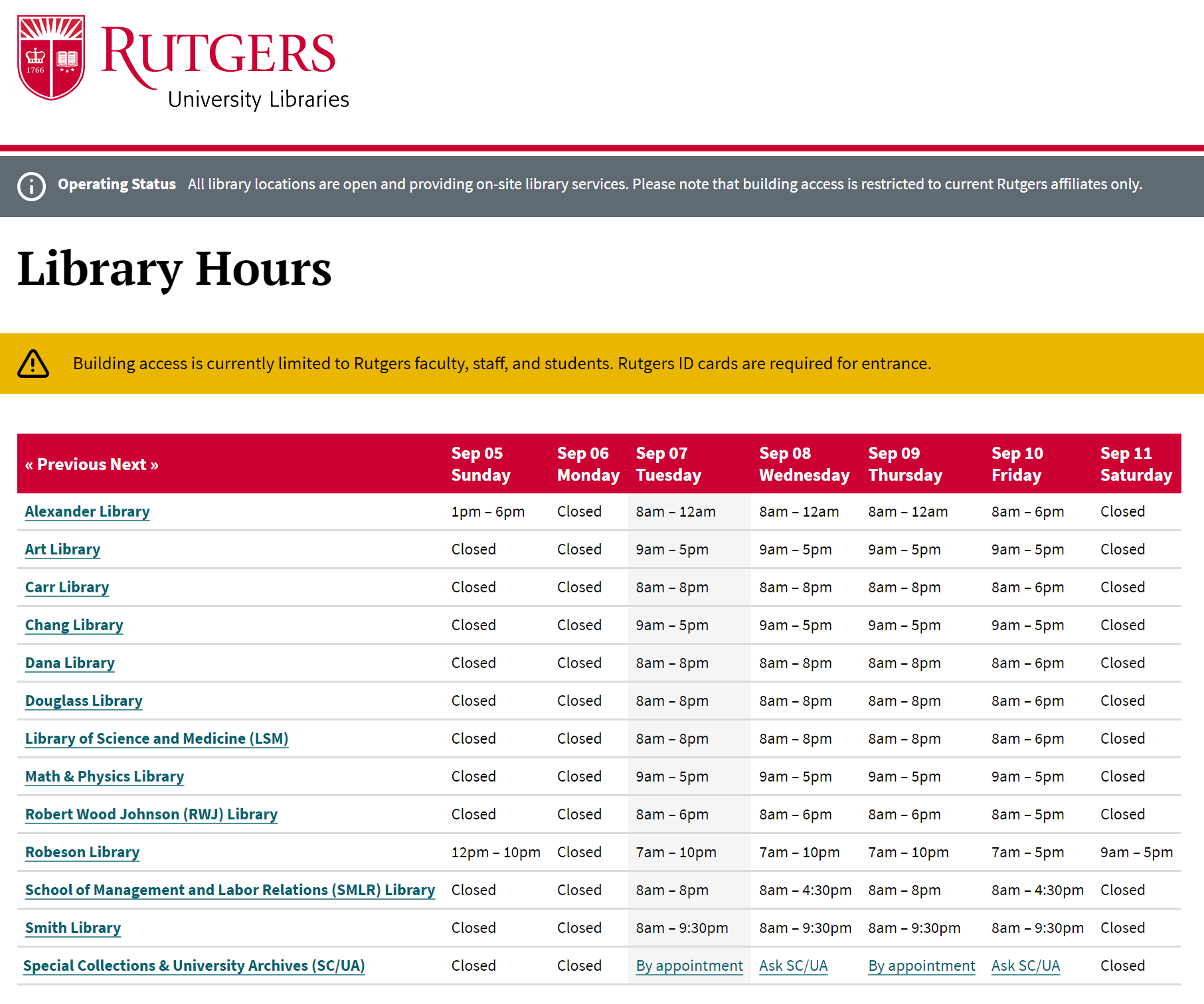
    LibCal’s Hours module powers our website hours.

    Now that the fall semester has begun on-site, we’re all becoming involved with new hybrid projects and tools. Many of us will have tasks that involve use of the LibCal application. To recap, LibCal, one of the LibApps applications from Springshare, has four modules that we use in RUL: Appointments, Events, Hours, and Spaces. We’re using the LibCal application in both new and revived ways.

    The Appointments module is particularly useful once we start having in-person meetings with patrons. However, as many of us know, it can also be used for online consultations.

    The Events module is in use, along with the new newly redesigned website, for posting events on the RUL calendar. Events, such as workshops and stressbusters, can be added to and displayed on specific-use calendars owned by local libraries. Registrations for events can be accepted and tracked as well.

    The Hours module has been used consistently, before, during and after the recent closure. It displays the times that our libraries’ buildings, desks and departments are open, in addition to giving links to additional help, where appropriate.

    Finally, the Spaces module, which had been used to make pickup appointment times available for Click and Collect over the past year, is now set up for patrons to make appointments to use study rooms at our libraries. These rooms, some of which are available for group study and some for individual study, are popular with patrons. More of these spaces for study are being created, such as the new Digital Learning Commons at Alexander Library.

    Take a look at the help page IIS is putting together for your convenience. It’s found in Staff Resources at https://staff.libraries.rutgers.edu/iis/libcal-help. If you have questions or need help with using LibCal, you can contact the LibCal Administrator, Marty Barnett (martyb@libraries.rutgers.edu).

  • Update on LibCal Events

    NBL libcalIn the September 2020 issue of “The Agenda,” we wrote about the numerous modules of Springshare’s LibCal software that are in use at RUL.  This month, we’ll give you an overview and update on one of those modules, LibCal Events, and how it can be used.

    LibCal Events and associated event calendars are already used for scheduling workshops by NBL. Soon, we will be adopting LibCal Events across the Libraries as a replacement for our current event scheduler.  This switch will coincide with the launch of our new website in June.

    Creating events on calendars, displaying events, and registering for events is easily done through the LibCal Events module.  Waiting lists and automated reminders are helpful features for both end users and library personnel. Collection of usage statistics and follow-up survey comments will aid us in improving our future events and their scheduling. In addition, users will be able to search the calendars displayed on the website and filter by location and category to find events that are of interest.

    The next steps include forming a team of representatives from all library divisions to establish vocabularies for filters like category. That standardization will aid users in their searches, provide a basis for statistics collection, and enable the module to be useful across all libraries. Some of you will be contacted soon for this short task.

    For more information about LibCal Events and calendars, contact the LibCal Admin, Marty Barnett (martyb@rutgers.edu).  If you have questions about the website redesign, you can send email to the Website Redesign Team (webservices@libraries.rutgers.edu).

  • LibCal Isn’t Just Hours Anymore

    Many of you have heard of the LibCal application from Springshare, LLC, but did you know that it does more than one thing? LibCal is actually made up of five modules – Hours, Spaces/Seats, Appointments, and Events/Calendars. Each of these modules have benefit for libraries, librarians, students, faculty, and staff.

    RUL has been using the Hours module for several years to display the hours that each library, library unit and desk is open. The website homepage displays building hours for the current day, as well as links to the Camden, NBL, Newark and RBHS libraries. At the moment, all library buildings are marked as Closed.

    We’ve used the Spaces module to accept and track reservations of different types of spaces in our libraries. If you’re familiar with Group Study Rooms online reservations for nine of our libraries, you have seen Spaces. We can define different categories of Spaces. Alexander Library’s One Button Studio is a specialized type of Space that has its own category. We created a third category for the Click and Collect service.  After patrons use QuickSearch to find and charge out materials, they receive a link to reserve a time to pick-up their materials. Reserving that time is done in the LibCal Spaces module. A recent enhancement to the Spaces module is the Seats add-on. This feature allows specific seats to be reserved in libraries but is currently not used at Rutgers because our buildings are not open for library services.

    Some library employees have begun using the Appointments module, which enables staff to publicize time when they are available to meet with patrons. Currently, these meetings are for online appointments only. Rutgers faculty, librarians, staff, students, or non-Rutgers researchers can request an appointment.  When our libraries are again open, the Appointments module can facilitate scheduling on-site appointments at any of the campus libraries.  RUL staff can publicize their available hours on individual calendars, or be grouped by location or function, such as RBHS Librarians. You can see some current appointment calendars at https://libcal.rutgers.edu/appointments.

    We are just beginning to make use of the Events module. This feature allows us to set up calendars for any type of event at the Libraries. Some examples are RUL workshops, student instruction, RUL-wide events, and even lectures that are open to the public. As with appointments, this module operates with calendars and reservations. Events are displayed on calendars, and reservations can be accepted for events that require them. An example of NBL’s workshop calendar is at https://libcal.rutgers.edu/calendar/nblworkshops.

    For more information about LibCal and how it can help you provide library services to the students and faculty at Rutgers, contact the LibCal Admin, Marty Barnett.